İçeriğe geç

Desktop

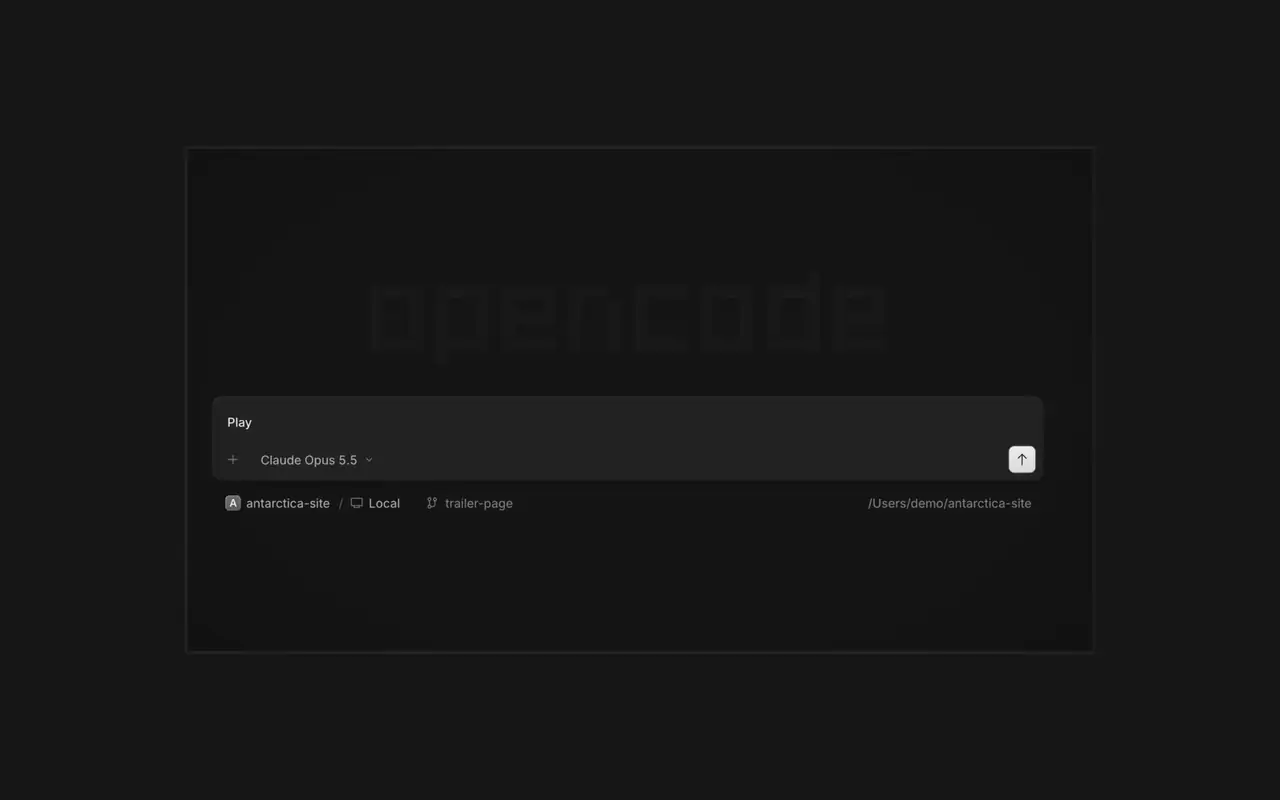
Birden fazla ajanı aynı anda, her oturumu kendi sekmesinde çalıştırın. Her değişikliği diff olarak inceleyin, istediğiniz satıra yorum yapın ve sonucu yerleşik tarayıcıda kontrol edin. macOS, Windows ve Linux için.

Özellikler

Paralel ajanlar

İstediğiniz kadar ajan başlatın ve hepsinin paralel çalışmasına izin verin. Bitirdikçe aralarında geçiş yapın.

Tarayıcıda gör

Uygulamanız ajanın yanında bir tarayıcıda açılır, böylece ikiniz de her değişikliği anında görürsünüz.

Her cihazda

Tüm cihazlarınızda ajan başlatın ve masaüstü uygulamasından, terminalden ya da telefonunuzdan devam edin.

Genişletin

Araçlarınızı ve hizmetlerinizi bağlayın, ajan her şeyle çalışabilsin. Ya da OpenCode'un kendisi için kenar çubuğunda kendi arayüzü olan eklentiler yapmasını sağlayın.

Yenilikler

  1. v2.3.0

    Jump to an Earlier Prompt

    In the desktop app, open Jump to message from the command palette or press Cmd+Alt+G (Ctrl+Alt+G on Windows and Linux) to search prompts across the current session and jump directly to one.#63585

    v2.3.0 sürümünün tüm öne çıkanlarını gör

    İyileştirmeler

    • DesktopAdded the experimental Recent sessions sidebar, with cross-server recency, local pins, reordering, and standard session-row actions.
    • DesktopRecent sessions are limited to the last seven days and 30 rows, and can be hidden or muted.
    • DesktopAdded an experimental customizable sessions sidebar.
    • DesktopMermaid diagrams can now be maximized for zooming and panning.#59250
    5 tane daha i̇yileştirmeler

    Düzeltmeler

    • DesktopRecent sessions now keep stable recency ordering through list reloads, renames, and completed runs.
    • DesktopFixed browser panes not retrying after server plugins finish loading.
    • DesktopFixed mention suggestions being recreated while typing.
    • DesktopFixed SSH prompts failing to advance or close after connection.
    9 tane daha düzeltmeler
  2. v2.2.7

    Side Panel Tab Shortcuts

    Right-click a side panel tab and choose Close tabs to the right. ⌘W now closes side panel tabs wherever focus is, ⌥⌘W or Ctrl+Alt+W always closes the session tab, and ⌘⇧T reopens the last closed tab of either kind where it was.#62922

    Mark Sessions Read or Unread

    Open the menu on a tab, Home row, project row or inbox card and choose Mark as unread to keep its dot until you next visit.#62889

    v2.2.7 sürümünün tüm öne çıkanlarını gör

    İyileştirmeler

    • DesktopThe answer you pick in the question dock shows as a raised card.#62896
    • DesktopInline rename and custom-answer fields no longer show a focus border.#62919

    Düzeltmeler

    • DesktopOn Windows and Linux, Ctrl+Shift+R toggles the review panel again instead of reloading the window.#62567
    • DesktopClosing the last side panel tab slides the panel shut.#62758
    • DesktopSelects, menus, tooltips and toasts opened from a dialog are reachable by screen readers.#62913
    • DesktopAn error appears when a path can't be opened in its default app.#62572
    3 tane daha düzeltmeler
  3. v2.2.6

    Mobile Composer Dock

    On phones and tablets, composer actions now sit in a touch dock above the keyboard with larger buttons.#61773

    v2.2.6 sürümünün tüm öne çıkanlarını gör


    İyileştirmeler

    • DesktopAdded close-other-tabs and close-tabs-after actions to the tab menu.#61631
    • DesktopAdded unread-session grouping in Inbox and failed-run indicators on tabs.#61691#62077
    • DesktopMCP sign-in now accepts a pasted redirect URL when automatic redirection is unavailable.#61706
    • DesktopMarkdown file previews now display frontmatter as a properties list.#60333
    2 tane daha i̇yileştirmeler

    Düzeltmeler

    • DesktopImproved prompt submission and timeline behavior during loading, reconnects, retries, scrolling, compaction, and optimistic delivery.#62025#62037#61932#62151
    • DesktopSurface loading and offline failures in review previews, file search, details, Word pages, and review diffs instead of showing empty or clean results.#62114#61862
    • DesktopFixed provider connection, MCP sign-in, settings, and plugin loading flows that could become stuck after failures.#62102#61917#61580
    • DesktopPreserve drafts, focus, caret position, queued prompts, and selected terminal tabs across failed or concurrent transitions.#61579#61969#61852
    6 tane daha düzeltmeler
Tüm güncellemeleri gör