
Parallele Agents
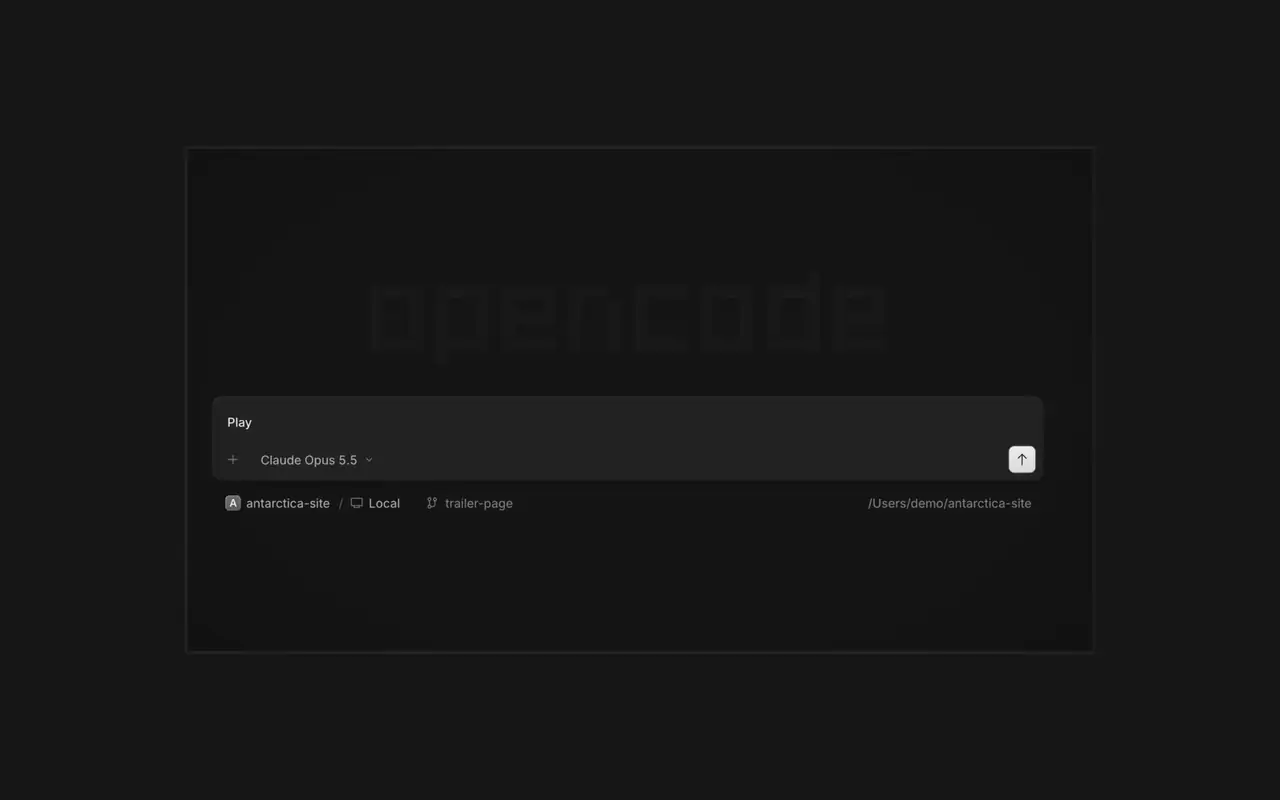
Starte so viele Agents, wie du willst, und lass sie alle parallel arbeiten. Wechsle zwischen ihnen, sobald sie fertig sind.
Starte so viele Agents, wie du willst, und lass sie alle parallel arbeiten. Wechsle zwischen ihnen, sobald sie fertig sind.

Deine App öffnet sich in einem Browser neben dem Agent, so seht ihr beide jede Änderung, sobald sie landet.

Starte Agents auf all deinen Geräten und mach in der Desktop-App, im Terminal oder auf dem Smartphone weiter.
Verbinde deine Tools und Dienste, damit der Agent mit allem arbeiten kann. Oder lass OpenCode Plugins für sich selbst bauen, mit eigener Oberfläche in der Seitenleiste.
In the desktop app, open Jump to message from the command palette or press Cmd+Alt+G (Ctrl+Alt+G on Windows and Linux) to search prompts across the current session and jump directly to one.#63585
Right-click a side panel tab and choose Close tabs to the right. ⌘W now closes side panel tabs wherever focus is, ⌥⌘W or Ctrl+Alt+W always closes the session tab, and ⌘⇧T reopens the last closed tab of either kind where it was.#62922
Open the menu on a tab, Home row, project row or inbox card and choose Mark as unread to keep its dot until you next visit.#62889
Ctrl+Shift+R toggles the review panel again instead of reloading the window.#62567On phones and tablets, composer actions now sit in a touch dock above the keyboard with larger buttons.#61773
Alle Highlights in v2.2.6 ansehen