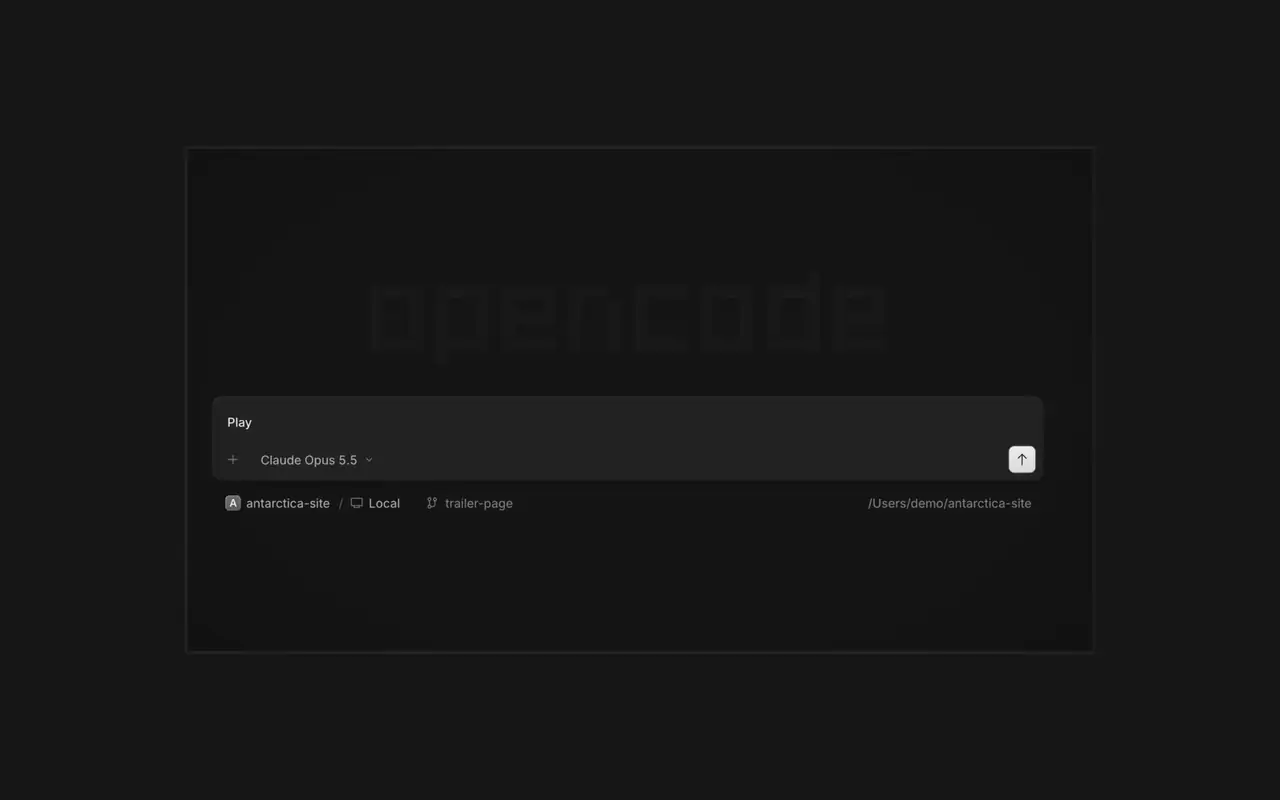

병렬 에이전트
원하는 만큼 에이전트를 시작하고 모두 병렬로 작업하게 하세요. 작업이 끝나는 대로 에이전트 사이를 오가세요.
원하는 만큼 에이전트를 시작하고 모두 병렬로 작업하게 하세요. 작업이 끝나는 대로 에이전트 사이를 오가세요.

앱이 에이전트 옆 브라우저에서 열리므로, 당신과 에이전트 모두 모든 변경 사항을 바로 확인할 수 있습니다.

모든 기기에서 에이전트를 시작하고, 데스크톱 앱, 터미널, 휴대폰에서 이어서 작업하세요.
도구와 서비스를 연결해 에이전트가 무엇이든 다룰 수 있게 하세요. 또는 OpenCode가 스스로 플러그인을 만들게 하고, 사이드바에 전용 UI를 띄우세요.
In the desktop app, open Jump to message from the command palette or press Cmd+Alt+G (Ctrl+Alt+G on Windows and Linux) to search prompts across the current session and jump directly to one.#63585
Right-click a side panel tab and choose Close tabs to the right. ⌘W now closes side panel tabs wherever focus is, ⌥⌘W or Ctrl+Alt+W always closes the session tab, and ⌘⇧T reopens the last closed tab of either kind where it was.#62922
Open the menu on a tab, Home row, project row or inbox card and choose Mark as unread to keep its dot until you next visit.#62889
Ctrl+Shift+R toggles the review panel again instead of reloading the window.#62567On phones and tablets, composer actions now sit in a touch dock above the keyboard with larger buttons.#61773
v2.2.6의 하이라이트 모두 보기